 Dhaval G.
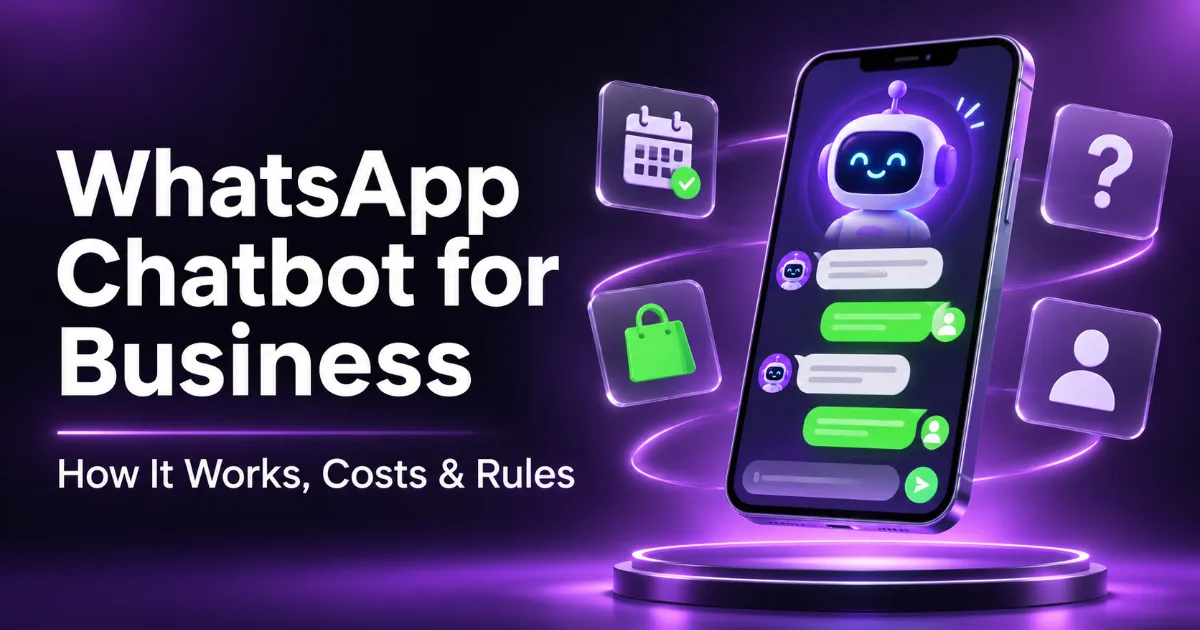
Short answer: a WhatsApp chatbot is software that answers customers on your WhatsApp business number automatically: replying to common questions, taking bookings or orders, sending updates, and handing the chat to a person when needed. Small businesses can start with the free WhatsApp Business app's automated messages or Meta's built-in AI agent. For a custom chatbot connected to your website, CRM or booking system, you need the WhatsApp Business Platform (the API), which charges per message under Meta's pricing rules. Since January 2026, WhatsApp allows chatbots that serve your business, such as support, sales and bookings, but not general-purpose AI assistants.
WhatsApp is where many customers already talk to businesses, especially in India. We build WhatsApp automation as part of our AI automation service, and this guide explains the options, what they cost, and the rules you need to follow, using Meta's own documentation. For using WhatsApp as a marketing channel, see our separate guide to WhatsApp Business for small businesses.
What can a WhatsApp chatbot do for a business?
- Answer common questions at any hour: prices, timings, location, delivery, returns.
- Take bookings for clinics, salons, consultations and services, and send reminders.
- Help customers buy: show products, answer product questions and share a payment or checkout link.
- Send updates customers asked for: order confirmations, delivery status, appointment reminders.
- Qualify leads: ask a few questions, save the answers to your CRM and alert your sales team.
- Hand over to a person when the question is complex, sensitive or the customer asks for one.
Two ways to run a WhatsApp chatbot
| WhatsApp Business app | WhatsApp Business Platform (API) | |
|---|---|---|
| Best for | Small businesses, one phone, low volume | Growing businesses, teams, custom automation |
| Automation | Greeting and away messages, quick replies, catalogue; Meta's AI agent where available | Fully custom chatbot and AI agent, connected to your own systems |
| Connects to your CRM, website or booking system | No | Yes |
| Several team members | Limited | Yes, through a shared inbox |
| Cost | Free app (optional paid features) | Pay per message, plus any provider or development cost |
Meta's own AI agent
Meta now offers the Meta Business Agent, an AI agent that answers customer chats on WhatsApp, Instagram and Messenger, recommends products from your catalogue, schedules appointments and qualifies leads, with settings for when a person takes over. It launched globally in June 2026 after pilots in countries including India. Through the API, Meta prices its Business Agent by usage ($2 per million tokens, which Meta estimates at roughly 4 to 5 cents per message). Availability in the app has varied by account, so check your WhatsApp Business app.
Meta's agent is the quickest way to start. A custom chatbot makes more sense when you need it to work with your own booking system, stock, CRM or internal rules, or when you want full control over the conversation and data.
What WhatsApp allows (and doesn't) in 2026
These rules come from WhatsApp's Business Policy and Business Solution Terms. Breaking them can get your number limited or banned.
- Business chatbots are allowed; general-purpose AI assistants are not. Since 15 January 2026, the WhatsApp Business API can't be used to offer a general-purpose AI assistant (the reason ChatGPT's WhatsApp number stopped working). A chatbot that answers questions about your business, takes bookings or helps customers buy is fine.
- Get opt-in first. You may message people only if they gave you their number and agreed to hear from you.
- Offer a way to reach a person. Automated replies need clear escalation paths, such as a transfer to a human agent, a phone number or an email.
- Templates outside 24 hours. When a customer messages you, a 24-hour customer service window opens and your chatbot can reply freely. Outside that window, you can only send pre-approved message templates.
- Quality matters. Customers can block or report you, and too much negative feedback limits how many messages you can send.
How much does a WhatsApp chatbot cost?
The free app costs nothing. On the WhatsApp Business Platform, according to Meta's pricing documentation:
- You pay per delivered message (since 1 July 2025), with rates set by message category and the customer's country.
- Four main categories: marketing, utility (like order updates), authentication (like one-time passwords) and service (replies within the 24-hour window).
- 1,000 free service messages per business phone number each month. From 1 October 2026, service messages beyond that and utility messages inside the 24-hour window are charged.
- Free replies after a Click-to-WhatsApp ad: when someone messages you from one of these ads, your replies are free for up to 7 days (Meta Business Agent messages are still charged).
- Messages from customers are never charged.
- India billing: Meta introduced rupee billing for India in January 2026, and India accounts must move to INR billing by 31 December 2026. India's marketing rate also rose on 1 January 2026. Current rates are in Meta's rate card.
On top of Meta's message charges, you'll pay for how the chatbot is built and run: a WhatsApp solution provider's platform fee, an AI model's usage if the bot uses AI, and any custom development. What drives that cost is mostly how many systems it connects to and how much it does on its own, the same factors we cover in our guide to AI agents for business.
Keeping costs down
- Design the chatbot to resolve questions inside the 24-hour window, where your first 1,000 service messages each month are free.
- Use marketing templates sparingly and only for people who opted in; they're usually the most expensive category.
- Use a small, fast AI model for routine answers, and a stronger one only for complex questions.
How to set up a WhatsApp chatbot, step by step
- Pick the top questions. List the 10 to 20 questions customers ask most, plus the tasks you want handled (bookings, order status, lead details).
- Choose app or API. One person and simple questions: start with the WhatsApp Business app. A team, integrations or volume: use the WhatsApp Business Platform.
- Get access to the platform (for the API): through Meta's Cloud API directly or a WhatsApp solution provider, with a verified Meta Business account and a business phone number. Ask your provider whether you can keep using the same number in the WhatsApp Business app.
- Write the knowledge base: your prices, policies, timings and FAQs, in plain language. The chatbot is only as accurate as this.
- Build the conversation and the handoff. Decide what the bot answers, which actions it takes, and exactly when it passes the chat to a person.
- Connect your systems: booking calendar, CRM, store or Google Sheets, through APIs or tools like n8n or Make.
- Test with real questions, including awkward ones, before going live.
- Launch and review weekly. Read the conversations the bot handed over or got wrong, and improve the answers.
Common mistakes
- No way to reach a person. Customers get frustrated, and WhatsApp's policy requires a clear escalation path.
- Messaging people who didn't opt in. This leads to blocks, reports and lower sending limits.
- Letting AI make up answers. Limit the bot to your own information and tell it to hand over when it isn't sure.
- Building a general chat assistant. Since January 2026 that's against WhatsApp's terms. Keep the bot focused on your business.
- Treating it as finished. Prices, policies and common questions change; review the bot regularly.
Is a WhatsApp chatbot worth it for your business?
If customers already message you on WhatsApp and the same questions take up hours of your team's day, yes. Start small with the free app or Meta's agent. When you need bookings, orders or lead details flowing into your own systems, or a team inbox with reliable handover, a custom chatbot on the WhatsApp Business Platform is the next step. For phone calls, the same idea applies with an AI phone receptionist.
We design and build WhatsApp chatbots that connect to your booking system, CRM and store, follow WhatsApp's rules, and hand over to your team at the right moment. See our AI automation service or book a free call.