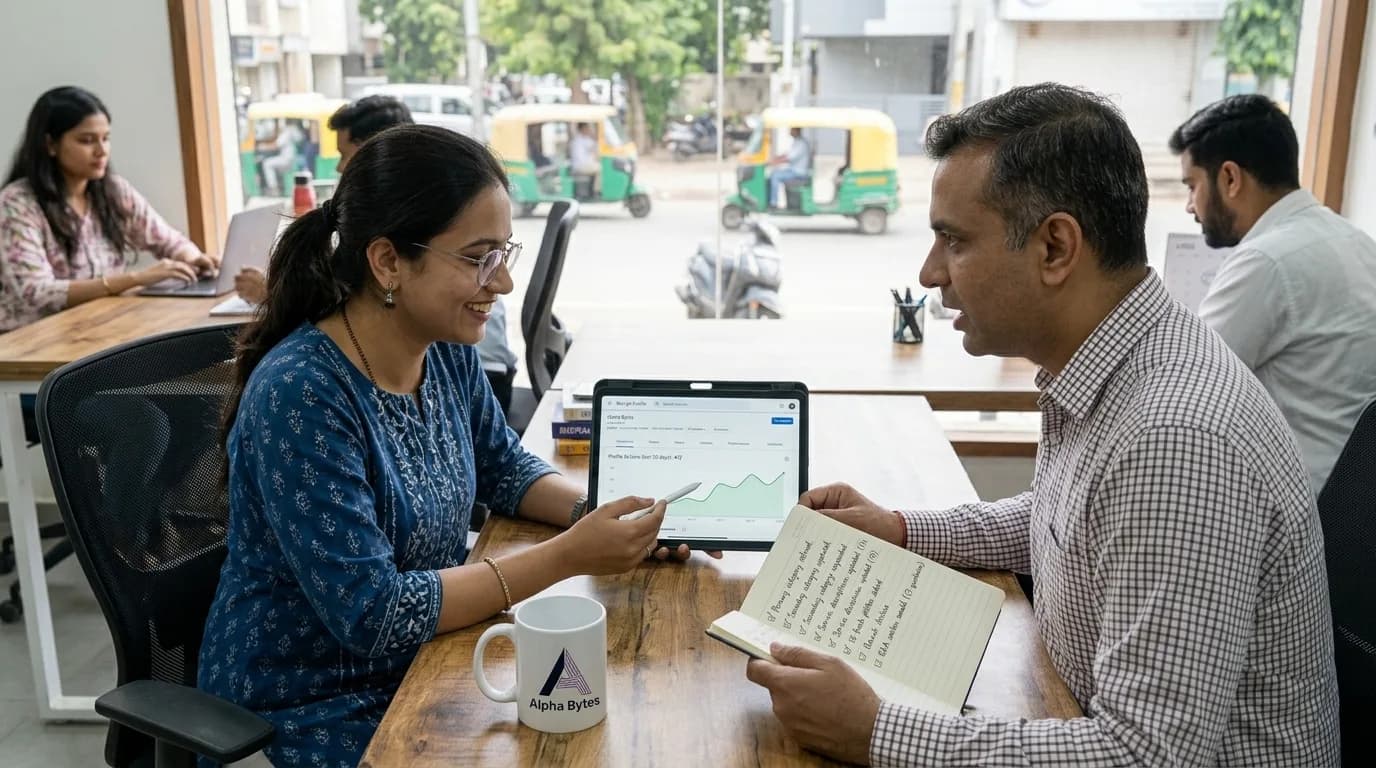
A plumbing business owner in Ahmedabad had been in business for eight years. He had good reviews, fair prices, and a reputation built through word of mouth. His biggest frustration: a competitor who had been operating for only two years was consistently getting the emergency calls he should have been getting despite charging more. When we looked at the two businesses side by side on Google Maps, the difference was immediate. The competitor had 143 Google reviews with an average of 4.8 stars, 47 photos including before-and-after job photos uploaded in the last 30 days, weekly posts, completed service listings with prices, and a Google Business Profile that looked actively managed. The plumber had 21 reviews, three photos from 2022, and a profile that looked like it was set up once and left. Same city. Same service. One business looked alive. One looked closed.
70% of local searches result in a Google Business Profile interaction in 2026. Your Google Business Profile the listing that appears on Google Maps and in local search results when someone searches for your category near them is now the single most important marketing asset a local business owns. Not your website. Not your Instagram. Your Google Business Profile. GBP signals now account for 32% of local pack ranking weight the single largest category, ahead of on-page signals (19%), review signals (16%), and link signals (15%). This guide covers every element of your profile, why each one matters, and exactly how to optimize it to start winning more local customers in under two hours of focused work. Thevalleymarketinggroup
Why Google Business Profile Matters More Than Ever in 2026
Google Business Profile changed significantly in 2026 and the changes make it even more powerful for local businesses that use it correctly.
The Shift to Category-Based Discovery
86% of impressions on Google Business Profile come from category-based searches rather than branded searches. This is the most important statistic in local marketing and most business owners haven't heard it. It means that when customers find your business on Google, they are almost certainly not searching for your business name. They are searching for a service category: "dentist near me," "web design agency Ahmedabad," "plumber open now." Google matches their query to businesses in the relevant category and shows the best-optimised profiles in the top three results.
This matters because it tells you exactly what your optimization should focus on: not making your business name prominent, but ensuring Google can clearly match your profile to the specific searches your potential customers are making. The most commonly overlooked completeness elements are secondary business categories adding relevant secondary categories expands query footprint by approximately 17%.
The Actions Customers Take After Finding Your Profile
When customers find your Google Business Profile, they take three primary actions: website visits (47%), direction requests (38%), and phone calls (15%). Website visits are the largest category because customers are in the evaluation phase, looking for more details before deciding. This has a direct implication for your profile: every customer who finds you on Google and is interested enough to act will visit your website as their next step. If your website doesn't convert that interest into an enquiry, the Google Business Profile work is half-effective. Our guide on checking whether your website is actually working for your business is the right companion read to this one. BirdEye
AI Integration Is Changing Local Search
In 2026, Google's AI Overviews and AI Mode are incorporating Google Business Profile data to answer local search queries directly. When someone asks Google's AI "which dental clinic near me has the best reviews and is open on Sundays," the AI draws from GBP data your reviews, your hours, your categories, your photos to generate its answer. Businesses with complete, well-maintained profiles are increasingly appearing in these AI-generated local answers, delivering visibility that goes beyond traditional blue-link rankings. In 2026, your Google Business Profile influences Search, Maps, and AI-driven local answers.
Step 1 — Complete Your Business Profile Fully (Most Businesses Haven't Done This)
A business moving from an incomplete to a complete profile could multiply its monthly profile interactions by up to seven times. That multiplier seven times more customer actions from the same number of searchers is available to every business with an incomplete profile. It is the highest-return, zero-cost optimisation action available in local marketing.
The 10 Profile Elements That Must Be Completed
- Business name: Use your exact legal or trading name. No keyword stuffing (adding "best" or your city name to your business name). Google penalises profiles for keyword stuffing in the name field, and a penalised profile doesn't appear in local results at all.
- Primary category: This is the single most influential signal for your local ranking. Google uses your primary category to match your listing to search queries, and it has the strongest correlation to local pack ranking of any GBP signal. Choose the most specific available category that describes your core business. If you're a dental clinic that also does orthodontics, your primary category is "Dentist" not "Health Care Provider."
- Secondary categories: Add every relevant secondary category. A web agency might add Web Designer, Internet Marketing Service, and Software Company. A restaurant might add Cafe and Takeout Restaurant. Each relevant secondary category expands the query footprint your profile appears for by approximately 17%.
- Business description: Use the full 750 character allowance. Write what you do, who you serve, what makes you different, and your location. Include the specific services or specialisations you want to be found for not as keyword stuffing, but as genuinely descriptive language about what your business does.
- Phone number Your primary phone number must match the number on your website and on every other directory where your business is listed. Inconsistency across platforms is a local ranking negative signal.
- Website URL: Link directly to your website's homepage, not to a social media page. If you don't have a website, this is the most concrete argument for building one: 47% of GBP interactions are website visits, meaning nearly half the customers who find your profile will go to your website next.
- Business hours: List accurate hours including holiday hours. A customer who finds your profile, sees you're open, drives to your location, and finds you closed leaves a negative review. An incorrect hour listing creates negative customer experiences before any service has been delivered.
- Address and service area: For businesses with physical locations, your address must be accurate and verifiable. For service area businesses (plumbers, electricians, cleaners, delivery services), define your service area precisely using the Service Area setting rather than listing an address you don't operate from.
- Attributes: The checkboxes that describe your business: accepts UPI, wheelchair accessible, women-led, LGBTQ+ friendly, outdoor seating, delivery available. Customers filter search results using these attributes. Missing attributes mean you're invisible to searches that filter for them.
- Services or products listing: Add every individual service or product with a name, description, and price where applicable. Profiles with complete service lists receive 18% more profile actions than simplified profiles. This is because Google uses service listings to match profiles to specific service searches a profile with "Root Canal Treatment" listed appears for "root canal near me" searches that a generic "Dentist" listing might not.
Step 2 — Build Your Photo Library (This Drives More Searches Than Anything Else)
Google's own data shows that businesses with more than 100 photos receive significantly more direction requests and phone calls than those with fewer. Yet most small business profiles have fewer than 10 photos, many of which are outdated or low quality.
The Photos That Actually Drive Enquiries
Not all photos perform equally. The photos that generate the most GBP interactions in 2026 are:
- Work photos: before-and-after for trades businesses, completed project photos for agencies, treatment results for clinics, finished dishes for restaurants. These are the photos potential customers actually want to see. They answer the question "can this business do what I need?" with visual evidence.
- Interior photos: show the space where work happens. A clean, well-lit interior photo of a clinic waiting area, a restaurant's seating, a workshop, or an office communicates the quality of the environment before a customer visits.
- Team photos: photos of real people working, not posed formal portraits. Customers are hiring humans, and seeing the actual people who will serve them reduces the anxiety of engaging an unfamiliar business.
- Logo and cover photo: your logo in the correct format for Google's circular thumbnail display, and a cover photo that immediately communicates what your business is. These are the images that appear in your search listing and Maps pin.
How Often to Add Photos
Add new photos weekly. Google rewards recently-active profiles with better positioning in local results. A profile that uploaded its last photo 18 months ago signals inactivity which is associated with businesses that have changed, closed, or declined in quality. A profile that added photos this week signals that the business is active, operational, and engaged with its customers.
The practical system: whenever you complete a job or serve a customer, take one photo. At the end of the week, upload what you took. This takes five minutes per week and produces a continuously fresh photo library that compounds into a competitive advantage over competitors whose profiles haven't been updated in months.
Step 3 — Build a Review System That Compounds
Reviews are the second most visible element of your Google Business Profile the rating and review count appear in every search result and Maps listing. They are also one of the most difficult elements to improve quickly, which makes building a consistent review-gathering system early the right strategic move.
What the Data Shows About Reviews in 2026
Reviews shape trust quickly, and they influence how customers compare you with nearby competitors. A strong review strategy ensures your profile looks active, credible, and customer-focused. A profile with 80 recent reviews at 4.8 stars reliably outperforms a profile with 200 older reviews at 4.2 stars because recency signals current quality, and the rating threshold affects whether customers even consider contacting you.
The most efficient review-gathering system we recommend to clients: send a WhatsApp message to every customer 24 hours after their service or purchase is complete, with their name, a reference to the specific service they received, and a direct Google review link. Not "please leave a review if you have time" "Hi Priya, thank you for your appointment yesterday. If you had a good experience, we'd genuinely appreciate a Google review it makes a real difference for us. Here's the direct link: [link]." One message. Specific. Personal. With a one-tap link. This system is explored fully in our complete online reputation guide.
Responding to Reviews: The Strategy Most Businesses Get Wrong
Businesses responding to at least 25% of their reviews earn 35% more revenue than those that don't respond at all. Responding to reviews is not customer service it is a public performance for every potential customer who reads your profile. When a potential customer sees a business that responds thoughtfully to every review thanking positive reviewers personally and handling negative reviews professionally they see a business that cares about its customers. When they see unanswered negative reviews, they see a business that either doesn't know the review exists or doesn't care.
Respond to every review within 24 hours. Positive reviews get a personal, specific acknowledgement (not "thank you for your review!" use the reviewer's name and reference something specific from their review). Negative reviews get a professional, non-defensive response that acknowledges the experience and invites private resolution.
Step 4 — Post Weekly to Stay Visible and Active
Google Posts short updates that appear directly on your Business Profile are the least used and most undervalued GBP feature for small businesses. They're the equivalent of a social media post that appears on your Google listing rather than in a social feed.
What to Post and How Often
Post once per week at minimum. More than that produces diminishing returns. Less than once a week means your profile looks inactive. The content that performs best on GBP Posts is:
- New or seasonal offerings: a new service, a seasonal promotion, a limited availability announcement. Tie it to a specific date and a clear next step.
- Completed work showcases: a photo of a recent project with a one-sentence description of the problem solved and the outcome delivered.
- Useful tips for your customers: one piece of genuinely helpful advice relevant to your customer base. A plumber posting "three things to check before the monsoon season to prevent leaks" gets more engagement than a promotional post because it provides value before asking for anything.
- Announcements: holiday hours, new team members, certifications received, awards won.
The Post That Directly Drives Enquiries
Every post should include a Call to Action button. Google gives you options: Book, Order Online, Buy, Learn More, Sign Up, Call Now, Get Offer. Match the button to the post content. A seasonal promotion gets "Get Offer." A new service gets "Learn More" pointing to your website's service page. An appointment business gets "Book" with a direct booking link. Posts without a CTA button generate views. Posts with one generate action.
Step 5 — Use the Q&A Section Before Your Competitors Do
The Questions and Answers section on Google Business Profile is publicly editable which means anyone can add a question or an answer, including your competitors. A competitor or a misinformed customer can publish a wrong answer that sits at the top of your Q&A panel indefinitely.
Seed Your Own Q&A Immediately
The business owner can ask and answer questions themselves. This is not cheating it is proactive profile management. Seed the section yourself with 10 to 15 of the most common customer questions, answer them as the owner, and monitor new questions daily.
The questions to seed: your most common enquiries. "Do you offer home visits?" "What is your pricing for [specific service]?" "How quickly can you respond to an emergency?" "Do you accept UPI?" "What areas do you cover?" Each question you answer is one fewer phone call your team has to make. Each answer is also a piece of indexed text on your Google profile visible to Google's AI systems and to potential customers researching before they contact you.
Step 6 — The Messaging Feature (Use It or Lose the Button)
Google Business Profile includes a Messaging feature that allows customers to send you direct messages through Google Search and Maps. For customers who prefer not to call, this is often the deciding factor between contacting your business or moving to a competitor who has messaging enabled.
Messaging is tied to a response-time SLA. If you do not answer within 24 hours consistently, Google auto-disables the Message button to protect user experience. This means the feature only works if your team has the discipline to check and respond to messages regularly. If you can't guarantee that, it's better to keep messaging disabled than to have it enabled with a poor response time that causes Google to remove it automatically. Digital Applied Team
The businesses getting the most value from GBP Messaging are using it in combination with automated response systems an immediate automated acknowledgement that confirms receipt and states when to expect a response, followed by a human reply within the promised timeframe. This is the same approach we recommend for capturing every online enquiry before it goes cold.
Step 7 — Monitor Your Profile Performance Every Week
Google Business Profile provides free performance data in the Insights tab. Most business owners have never looked at it. It shows how many people found your profile, how they found it (direct search vs category discovery), what actions they took, and how your photos are performing compared to similar businesses.
The Metrics That Tell You If Optimisation Is Working
- Discovery searches: how many people found your profile by searching for a category, product, or service (not your business name). Rising discovery rate means your category and keyword optimization is working. This is the metric that compounds: as more customers discover you through category searches, your review count grows, your photo freshness increases, and your ranking improves further.
- Profile actions: total customer actions (website clicks, direction requests, calls, messages). This is the conversion metric for your GBP the number of people who found your profile and then did something because of it. Week-over-week growth in profile actions is the clearest signal that your optimization is producing results.
- Photo views: how your photos are performing relative to similar businesses. If your photo views are significantly below the median for your category, you need more photos.
- Search queries: the specific words customers used to find your profile. This is the most actionable data on the entire profile it tells you exactly what your customers are searching for, which may include queries you hadn't expected and should be optimizing further for.
The Complete GBP Optimisation Checklist Do This Today
Everything in this guide distils into one checklist. Work through it in order. The first time takes under two hours. Maintaining it takes five to ten minutes per week.
One-Time Setup (Under 2 Hours)
- Claim and verify your profile if you haven't done this go to business.google.com
- Complete all 10 profile elements from Step 1 with full information
- Upload at least 20 high-quality photos including exterior, interior, work examples, and team
- Add all individual services or products with descriptions
- Fill in all relevant business attributes
- Seed the Q&A section with 10 common customer questions and your answers
- Enable and test the Messaging feature if you can guarantee sub-24-hour responses
- Add your Google review link to your website, WhatsApp, email signature, and physical location
Weekly Maintenance (5–10 Minutes Per Week)
- Post one update with a photo and a CTA button
- Upload any new work photos from the past week
- Respond to any new reviews both positive and negative
- Check Messaging for any unanswered messages
- Check Q&A for any new customer questions needing an answer
How Alpha Bytes Helps Businesses Win With Google Business Profile
We help businesses set up and optimise their Google Business Profile as part of a complete local digital presence alongside the website that 47% of profile visitors click through to, the AI automation that handles review requests and messaging responses, and the content strategy that builds the expertise signals Google's AI systems look for when generating local answers.
If your profile is set up but you're not appearing in local searches the way you should be, the reason is almost always one of the seven areas covered in this guide. A direct profile audit looking at your current categories, photos, reviews, posts, and completeness score against your competitors in the same area takes 30 minutes and tells you exactly what to fix. If you want that assessment done for your specific business, reach out to Alpha Bytes directly for a no-obligation conversation.
For the full picture of how your Google Business Profile connects with your website, your AI search visibility, and your broader online presence to create a complete local customer acquisition system, our complete AI and web guide for business owners covers every component in one place.
Key Takeaways
- 70% of local searches result in a Google Business Profile interaction it is now your most important marketing asset for local customer acquisition.
- 86% of profile impressions come from category-based searches customers find you by service category, not by name, making category selection and secondary categories your most impactful ranking levers.
- A complete profile receives up to 7 times more customer interactions than an incomplete one completing your profile is the single highest-ROI local marketing action available.
- GBP signals now account for 32% of local pack ranking weight, ahead of website content, reviews, and backlinks.
- Post weekly, respond to every review within 24 hours, and add new photos regularly these three habits compound into a competitive advantage over businesses whose profiles are static
- Seed your Q&A section yourself with the 10 most common customer questions otherwise competitors or misinformed customers control that section of your profile
- Monitor Discovery searches and profile actions in Insights weekly these two metrics tell you whether your optimization is working before you can see it in revenue
Final Thoughts
Your Google Business Profile is the front door your local customers walk through before they ever visit your physical location or your website. In 2026, it matters more than it ever has influencing Search, Maps, and AI-driven local answers. Most business owners set it up once and left it untouched. The businesses appearing in the top three local results for their category are the ones that treat it like an active marketing channel posting weekly, gathering reviews consistently, responding to every customer interaction, and keeping every element of the profile current.
The work to optimise your Google Business Profile takes under two hours the first time. The maintenance takes five to ten minutes per week. The return appearing in front of local customers searching for exactly what you offer, at the moment they're ready to act is the most cost-efficient customer acquisition available to any local business in 2026. Start today. The checklist in this guide has everything you need. And if you want to understand how getting found on AI search connects with your Google Business Profile as part of a complete local visibility strategy, that guide is the natural next step.